 hook
Hooknetik Blog
Video AI Free Tools: 10 Options and Their Limits
Honest review of video AI free tools: daily credits, watermarks, export limits, and which tool fits your workflow. Compare before you commit.
By Serdar Senay12 min read
- video ai free
- free AI video tools
- AI video generators
- free video editing
- AI content creation
In short
Honest review of video AI free tools: daily credits, watermarks, export limits, and which tool fits your workflow. Compare before you commit.
"Free" AI video tools rarely stay free once you try to publish. Credits expire, a watermark sits on the export, or the license stops at personal use. The honest question isn't which tool is free. It's which version of free fits the clip you need this week.
Popular roundups rank generators by feature count. That advice fails small sellers. A 60-second Short commonly needs three to six generated segments, while free outputs are often capped at 480p or 720p, watermarked, or limited to roughly 2–5 seconds, according to AI Video Sensei. Headline "generations per day" hide retries, stitching, and caption work.
This list covers ten options by what the free tier costs you. I weigh credit renewal, export limits, watermarking, and commercial-use terms. Dreamina and Google Flow suit daily experiments. Adobe Firefly and Runway are better as short tests inside a bigger creative stack. HeyGen is for presenter-led explainers. Canva, CapCut, and VEED help you finish assets you already have. Kling AI and Pika are motion and effects tools, and Pika's listed free plan includes no monthly credits.
Jump to the job, not the logo. If you need a repeating 9:16 product video, treat these plans as proof-of-concept, not a content calendar.
Table of Contents
- 1. Dreamina
- 2. Google Flow
- 3. Adobe Firefly
- 4. Runway
- 5. HeyGen
- 6. Canva
- 7. CapCut
- 8. Kling AI
- 9. Pika
- 10. VEED
- Free-tier reality check
- Choosing Your Version of Free and What to Do When Free Runs Out
1. Dreamina
Dreamina is the browser tool I would open when I want another short test tomorrow, not a finished ad today. You generate clips from text or animate a still, then keep going because eligible accounts get daily free credits.
What you can do without paying
- Text and image inputs: Start from a prompt or a product photo you already own.
- Several models: Swap generation models and creative tools in one workspace.
- Daily credits: Come back across sessions instead of burning a one-time pile.
Credit cost changes with the model, duration, and settings, so a "free day" might be two careful clips or one ambitious one. Regional offers and output rules also shift. Check watermarking and commercial terms on your account before you post a beauty or fashion clip.
Practical rule: Spend daily credits on prompt tests, then export only the take you would actually stitch into a Reel.
It won't carry a weekly product calendar by itself. It will tell you whether a motion idea is worth paying for.
Website: Dreamina
2. Google Flow
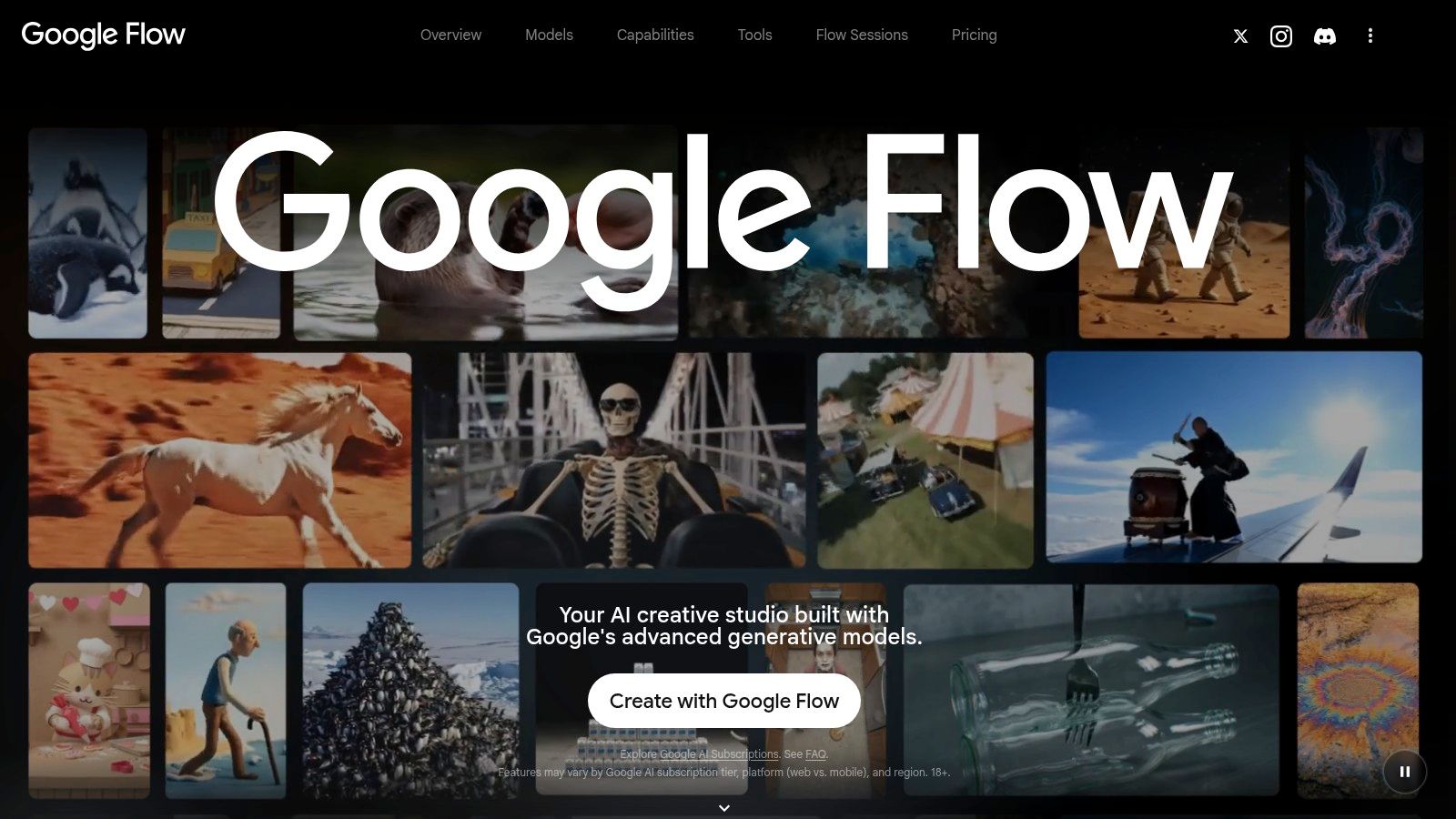
Google Flow is a short-scene workspace built on Google's video models. Users without a subscription get 50 free credits per day, and those credits do not roll over.
How the daily allowance behaves
Cost depends on the model and the feature you pick. Credit guidance separates cheaper short generations from higher-cost models, which is useful if you're only checking whether a hand movement or fabric drape looks wrong. A pricey model can empty the day's allowance in a few clicks.
Free generation can also disappear during peak periods. Unused credits vanish at the reset, so there is no point hoarding them for a launch week.
I would use Flow to test three or four short scenes, note which prompt survives, and stop. It is a lab pass, not a publishing plan. If the scene only works on the expensive model, budget a paid path before you promise a client a batch.
More detail sits on the Google Flow about page.
3. Adobe Firefly
If you already live in Adobe, Firefly is the least awkward place to try a generated clip, a still, and a bit of audio without opening a second app.
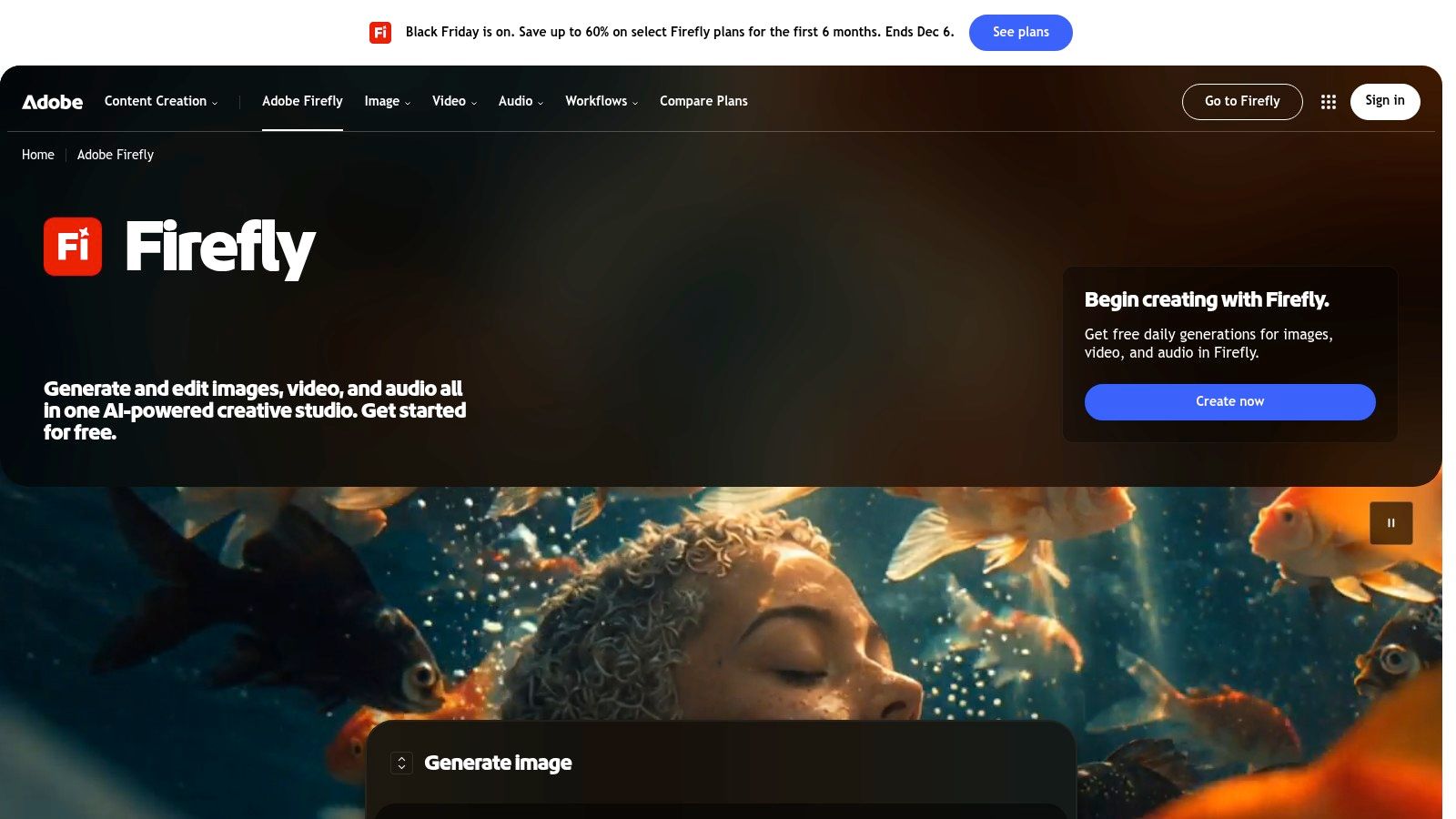
The free daily video allowance is limited, and video spends generative credits. Firefly Standard is listed at US$9.99 per month when that cap gets in the way. Adobe says outputs from its own Firefly models are suitable for commercial use, subject to its terms. Partner models can follow different rules, so read which model rendered the file.
Where it fits a product seller
- Quick stills and audio: Ideate a thumbnail or a voice line beside the clip.
- Workflow continuity: Stay near tools you already edit in.
- Terms split: Confirm Firefly versus partner-model licensing before a paid ad.
Don't expect the free day to cover a full lookbook. One or two generations, then you are choosing between waiting until tomorrow and paying. For a single hero shot of a serum bottle, that wait is fine. For a week of outfit changes, it isn't.
Start at Adobe Firefly.
4. Runway
Runway's free plan is a tour of the workspace. It comes with a one-time allowance of credits and some asset storage, and that allowance does not renew the following month. The exact figures shift, so check the current terms on Runway's site before you plan a project around them.
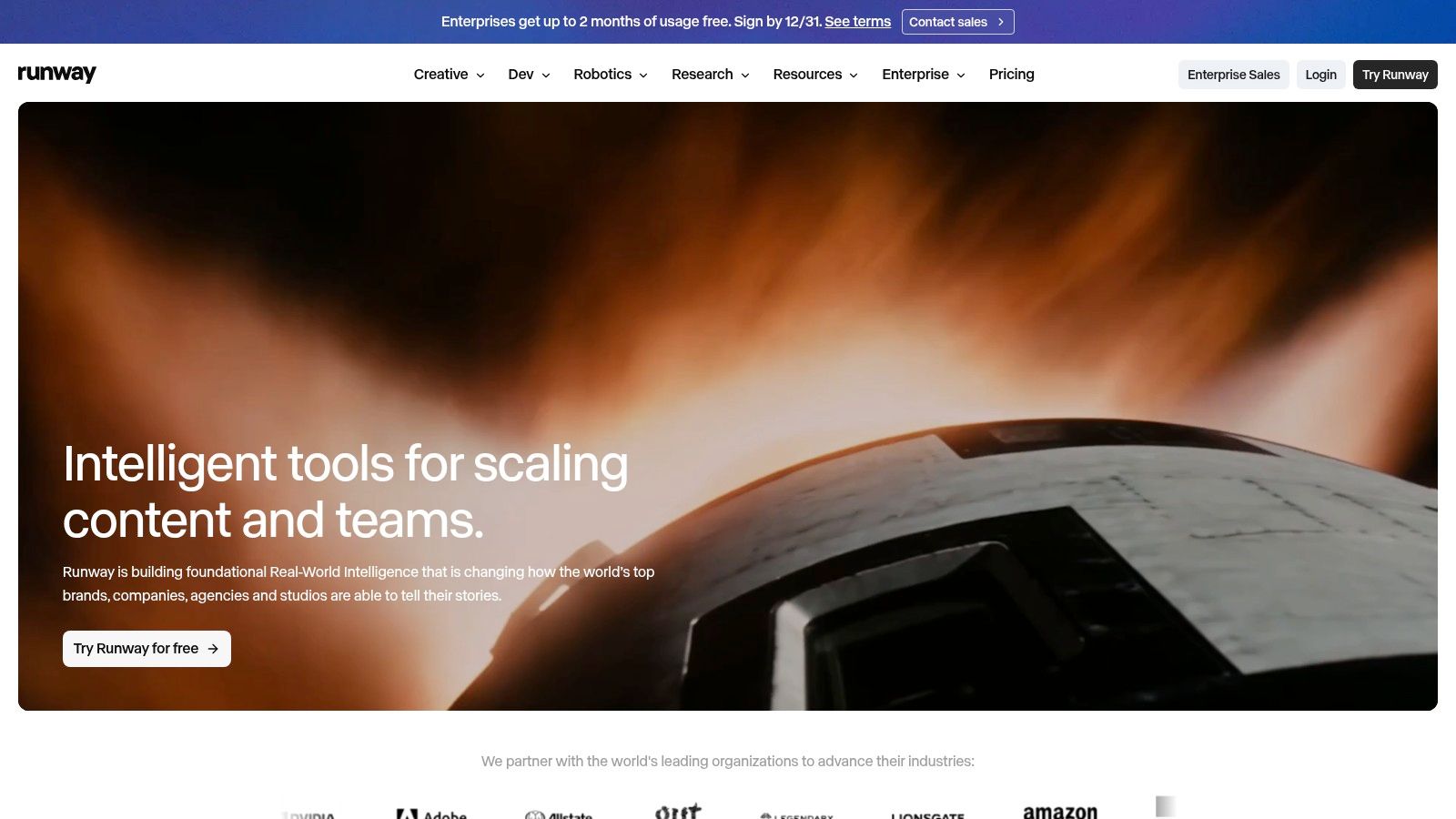
Free video outputs carry a Runway watermark. The tools and models open to free accounts change over time, so a workflow you liked last month may not be the one you get today.
I would spend the allowance on one product concept: a text prompt, an image-to-video pass on a pack shot, and a look at the timeline. Then stop. Watermarked tests work for internal review. They are useless as sponsored posts.
A one-time credit pile feels generous until the third retry. After that you are choosing between a watermark and a paid plan.
If you want a wider map of generators before you commit those credits, the best AI video tools overview is a useful companion read.
5. HeyGen
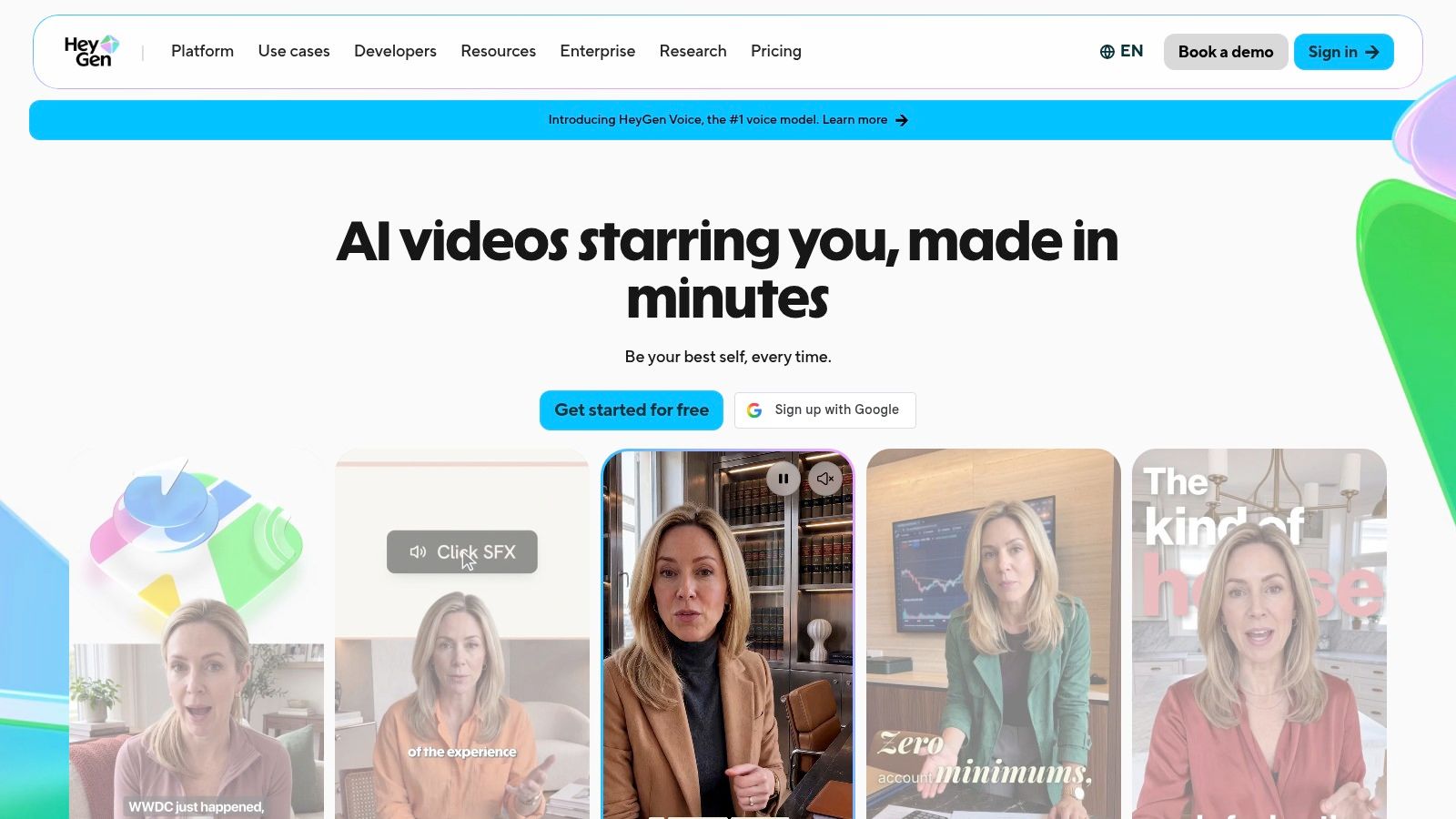
HeyGen doesn't invent a cinematic street scene. It turns a script into a presenter video with stock avatars or a custom avatar, in more than one language. That is the right shape for an explainer, a product intro, or a "how to wear this" voiceover. It is the wrong shape for lifestyle footage of a jacket on a moving body.
The free plan lists three videos per month, up to one minute each. You can rewrite the script without booking another shoot, which is a real saving. Volume is tiny, and free videos are watermarked.
Use it when the face is the point
A fitness brand explaining a three-step routine can test the script here. A luxury shop that needs the same on-screen person across twenty clips should not. Avatar output is a different format from naturalistic product video, and three watermarked minutes won't build that identity. For a persistent character workflow instead of a stock presenter, an AI influencer generator is the closer match.
Try the limits on HeyGen before you write a month of scripts around it.
6. Canva
Canva is an editor that happens to include AI, which is why it wins when the photos already exist. Magic Video builds a 60-second video from uploaded clips or photos, and Canva lists that feature on the Free plan.
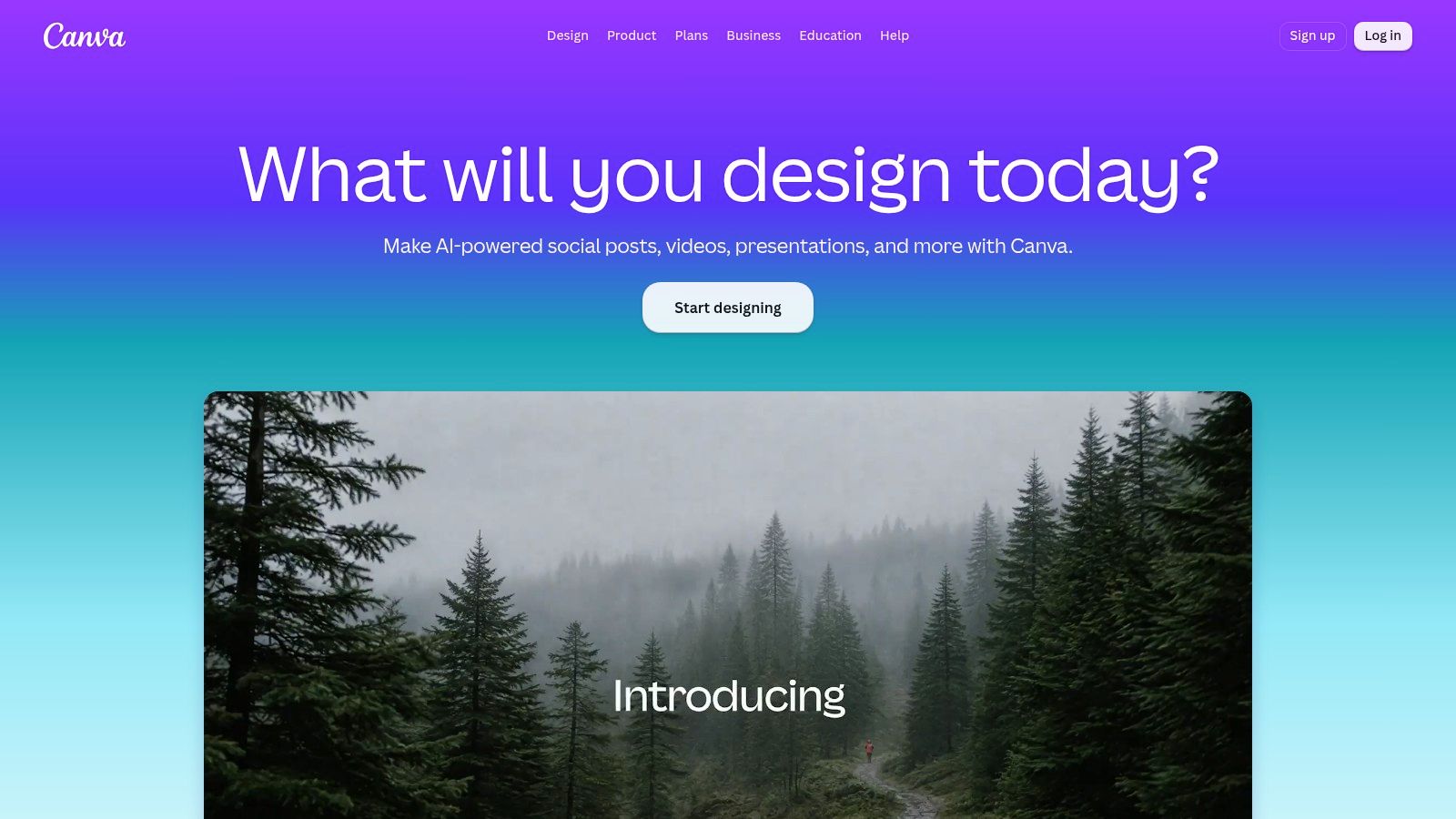
Say a jewelry seller has eight product shots and one unboxing clip. Magic Video can assemble them into a social cut, then you adjust type, layout, and brand colors in the same editor. Templates do the boring spacing so you're not rebuilding a 9:16 frame by hand.
Some other AI video-generation features are capped or sit on a paid plan. Free availability differs by feature, and the product is aimed at editing and assembly more than inventing every frame.
What I would not ask it to do
- Invent original motion from a blank prompt when you need a walking shot you never filmed.
- Replace a dedicated generator for long synthetic scenes.
- Assume every AI button is free just because Magic Video is listed on Free.
For turning a folder of assets into one post, start at Canva. For generating the missing walking shot, look elsewhere on this list.
7. CapCut
CapCut is the practical middle. Generate a short clip, then cut, caption, voice, and score it without exporting to another app. Text-to-video and image-to-video sit next to the editor, and certain models are described as generating clips up to eight seconds.
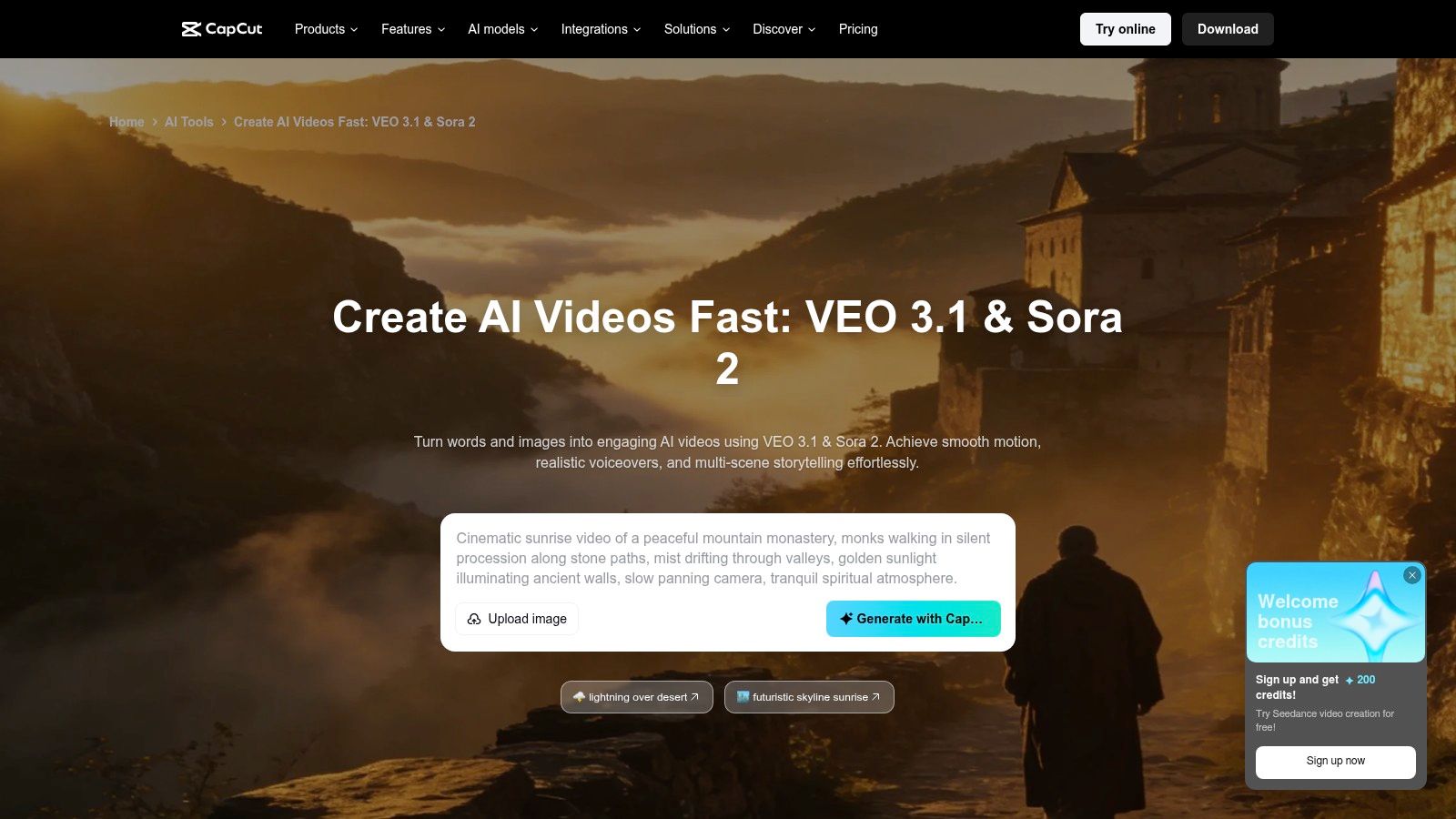
Eight seconds is a hook, not a full Reel. Plan to stitch two or three takes, or drop the generated beat under real product footage. That extra edit is the cost people forget when they see "free AI video."
Model access changes by account and region. Export settings and commercial-use terms are not something to assume from a screenshot of someone else's plan. Open your own account, generate one clip, and read the export dialog before you schedule a week of posts.
I like CapCut when the job is a TikTok-shaped rough cut you will finish by hand. I don't like it as the only source of original footage for a brand that posts daily. The free entry point is real. The finished, license-clear video is still your problem.
Details are on CapCut's AI video tools.
8. Kling AI
Kling AI is worth a try when the brief is "make this still move" or "show this action I can describe." Text-to-video and image-to-video both exist, with several models and generation modes behind a credit system.
Free access is uneven. Some accounts see a usable credit grant. Others see a paywall after a look around. Commercial use depends on the plan, so a pretty preview can still be the wrong file to run as an ad.
A sane test
- Pick one action. A model turning, a zipper closing, a dumbbell lifting.
- Use an image you own so you're not animating someone else's photo.
- Read the plan terms before you generate the version you might publish.
Motion tests go wrong in predictable ways: extra fingers, sliding products, faces that drift. Viral motion templates for AI influencer product videos show the kind of reference movement that keeps a product clip readable. Kling's own site is kling.ai.
9. Pika
Pika trades clean product demos for short, stylized clips and effects. Its free tier is the starkest example on this list: the free plan is listed with zero monthly credits, separate credit packs exist, and commercial licensing is not included on the Free plan. Check the current terms at Pika before you assume a paid pack changes either point.
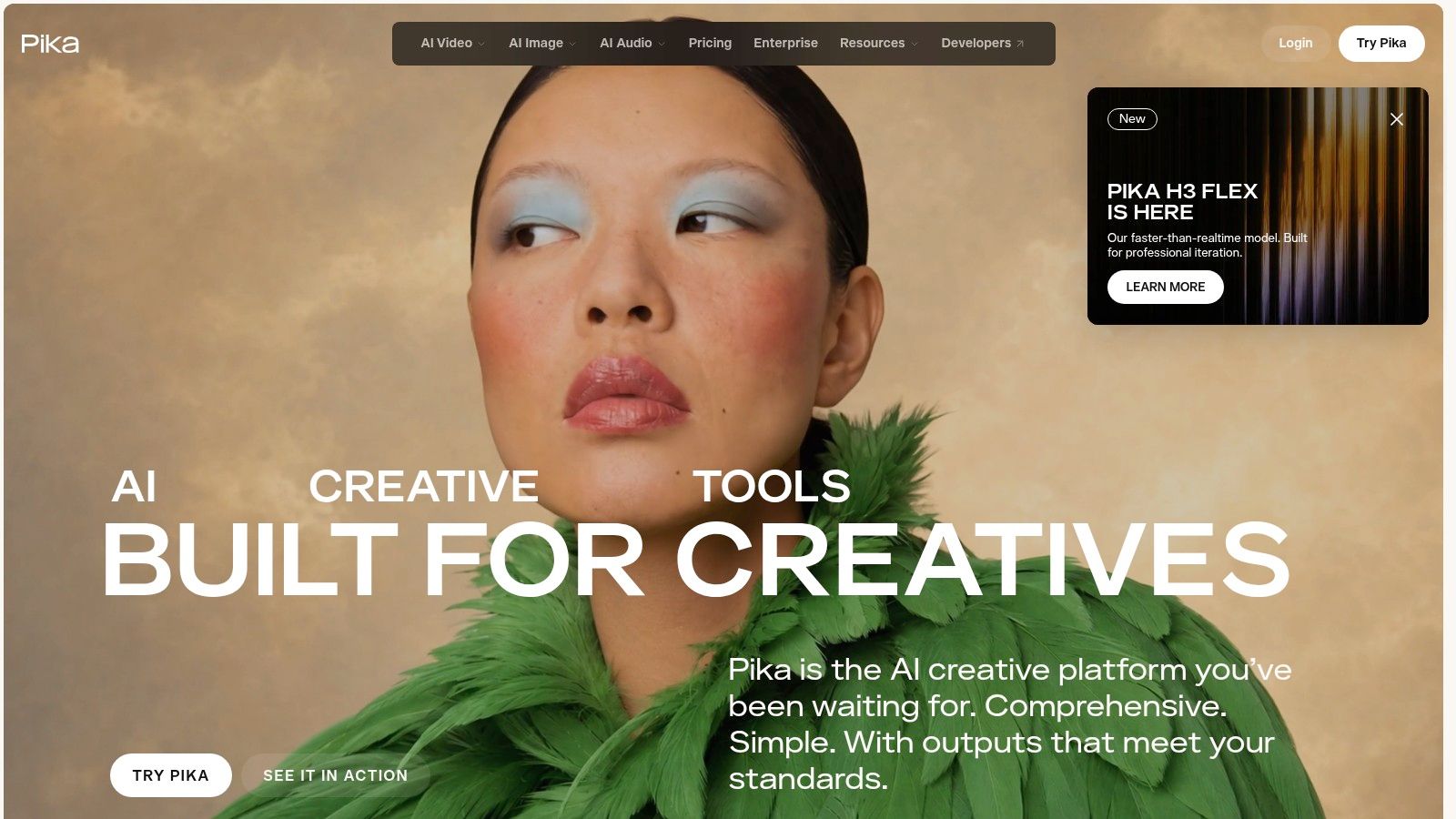
That is a video AI free listing that works as a showroom. You can look at the product and learn the interface. You cannot generate a monthly batch without buying credits, and a purchased pack still may not grant commercial use.
Where Pika earns a slot is effects and transformations: playful posts, meme-style edits, stylized social experiments. The heavier features sit behind paid plans or packs, so budget for the clip before you storyboard around it.
No watermark is not the same thing as permission to sell. Pika's free plan withholds both credits and a commercial license.
Match the tool to the brief. "Weird and short, and I will pay for the export" fits Pika. "Post this for a client tomorrow" calls for a tool whose paid terms you have already read.
10. VEED
VEED puts the generator inside an editor. You prompt a clip, drop it on the timeline, then trim, add text, and lay music. Eligible free-plan generations can run up to 12 seconds.
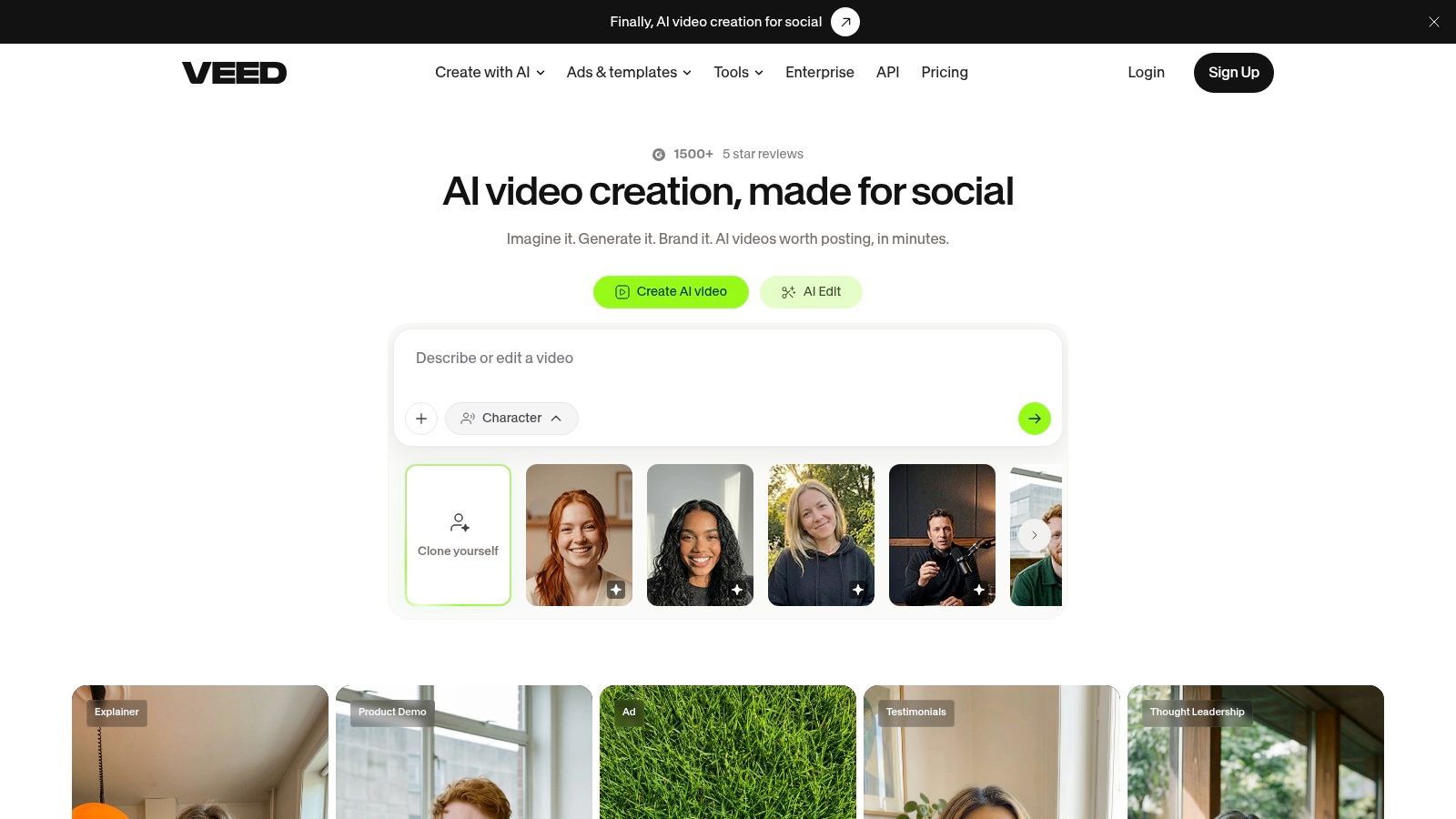
Twelve seconds is enough for an insert, a transition, or a fake "studio" background behind a product you already filmed. It is not enough for a full outfit try-on. Free-plan AI credits are not available in every region, and the allowance and models can differ by account. Check that before you build a tutorial around a button your region doesn't show.
I would open VEED when the generated piece is one layer in a longer edit, not the whole video. Generate the insert, cut it against real footage, export, and stop spending credits on variations you won't use.
The editor is at VEED.
Free-tier reality check
| Tool | Free access | Watermark on free output | Best for |
|---|---|---|---|
| Dreamina | Daily credits for eligible accounts | Not specified; check current terms | Trying text-to-video and image animation |
| Google Flow | 50 credits per day; generation may be limited at peak times | Not specified | Testing short AI-generated scenes |
| Adobe Firefly | Limited free daily generations | Not specified | Creators working in Adobe tools |
| Runway | 125 one-time credits | Yes | Exploring AI video tools and workflows |
| HeyGen | 3 videos per month, up to 1 minute each | Yes | Presenter-led explainers and introductions |
| Canva | Magic Video available on the Free plan | Not specified | Turning existing photos and clips into social videos |
| CapCut | Free entry point; feature availability may vary | Not specified | Creating and editing short-form social videos |
| Kling AI | Free access and credits may vary | Not specified | Animating images and testing action concepts |
| Pika | Free plan listed with zero monthly credits | Not specified | Stylized short clips and effects |
| VEED | Free AI credits in some regions | Not specified | Adding AI-generated clips to edited videos |
Choosing Your Version of Free and What to Do When Free Runs Out
Match the tool to the job, then stop shopping.
Daily experiments go to Dreamina or Google Flow, because credits come back. Presenter explainers go to HeyGen, with the watermark and the three-video cap in view. Assembling photos and clips you already have goes to Canva or VEED.
One-off interface tests go to Runway, then you upgrade or leave. CapCut is the stitch-and-caption bench. Kling is a motion test. Pika is an effects toy you should expect to pay for.
Decision checklist
- Watermark: If the free export is marked, don't run it as an ad. Use it for internal review only.
- Renewal: Daily credits that don't roll over (Flow) punish hoarding. One-time credits (Runway) punish a second project. Zero monthly credits (Pika) aren't a plan.
- License: Personal-use and partner-model terms fail brands. A missing watermark does not grant commercial rights.
- Disclosure: TikTok's AI-label rules require creators to label realistic AI-generated images, audio, or video. TikTok's advertiser guidance treats fully generated or significantly modified ads differently from simple color fixes.
- Endorsements: The FTC's endorsement guidance says social-media endorsers must disclose a material brand connection and must not fake personal use.
- Frame: 9:16 is the standard vertical format for Reels and TikTok, so export in that shape to avoid unwanted cropping, and check the platform's current upload guidance before posting.
A 2025 Adobe Express survey of 384 U.S. video creators found 71% had used AI video generation or editing tools, and 56% of those users saved more than 30 minutes per video. That saving shows up when you edit and publish, not when you regenerate the same five seconds.
FAQ
Do free credits roll over? Google Flow's unused daily credits do not. Runway's free credits are one-time and don't renew, though they don't expire once issued. Dreamina's daily credits support repeat sessions, but the clip count still depends on settings. Pika's listed free plan has no monthly credits to roll anywhere.
Can I use free exports commercially? Often no, and a clean file alone doesn't settle it. HeyGen and Runway watermark free videos. Pika's Free plan carries no commercial license. Adobe describes its own Firefly models as commercially usable under its terms. If an unmarked, licensed file is the requirement, budget a paid export or a product built to deliver unmarked downloads, and read the plan you are on.
What if free blocks a real schedule? Watermarks and monthly caps will. A one-time trial video at $5.99 (one influencer, one video, one product, no subscription) is a cleaner test than another afternoon of retries. Hooknetik delivers finished 9:16 videos and captions you download with no watermark, yours to publish and monetise under its Terms, then post to TikTok or Reels yourself.
Pick one free tool this week and validate a single idea. Graduate to the paid option that removes your bottleneck: a watermark, a dead credit balance, or the lack of a repeatable character.
When a free generator's watermark or credit cap blocks a posting calendar, Hooknetik covers the next step. You create an influencer, optionally add a product photo, and turn a reference clip's motion into a vertical video you download with its caption. Monthly plans run $9 to $99 for 3 to 30 credits, one credit per video. Visit Hooknetik to make that first test video and see whether a persistent on-screen character fits your shop.
Create your influencer, then fill the calendar.
Free to create the face. Pay when you generate videos. Start from the product demo if you want screens first.
Create your influencer free, then pick a plan from $9/month. One video a day on your calendar.