 hook
Hooknetik Blog
10 Best AI Video Tools in 2026: Compared by Use Case
Compare the best AI video tools of 2026 by generation method, character consistency, editing controls, output quality, pricing, and intended users.
By Serdar Senay16 min read
- best AI video
- AI video generator
- AI influencer video
- UGC video tools
- AI video comparison
In short
Compare the best AI video tools of 2026 by generation method, character consistency, editing controls, output quality, pricing, and intended users.
A jewelry brand needs a new product video every day for a month, and the same face has to appear in all thirty. The tool that made one impressive clip last week may not survive that schedule. Most best AI video roundups rank tools on cinematic quality alone, which is how buyers end up paying for a generator that can't hold a character or fill a calendar.
The volume behind that problem is real. U.S. creator-economy advertising spend was projected to reach $37 billion in 2025, a 26% year-over-year increase, according to the Interactive Advertising Bureau. Budgets that size don't get spent on one-off clips.
The ten tools below are grouped by the job they were built for. Generation-first tools turn a prompt or an image into footage. Avatar presenter tools put a scripted person on screen. UGC ad generators build product-led creative at volume. Judging a presenter tool against a text-to-video model on realism tells you nothing about which one fits your week.
Each entry was assessed on six things: how video is generated, whether one on-screen identity survives across posts, how much control you get over edits and captions, what the output looks like, what a finished clip costs, and who the tool suits.
Table of Contents
- 1. Hooknetik
- 2. Runway
- 3. Adobe Firefly
- 4. Luma
- 5. Pika
- 6. Google Veo
- 7. HeyGen
- 8. Synthesia
- 9. InVideo AI
- 10. Creatify
- How the 10 AI video tools compare on method, consistency, price, and best use
- Matching the Right AI Video Tool to Your Production Workflow
- Frequently Asked Questions
1. Hooknetik
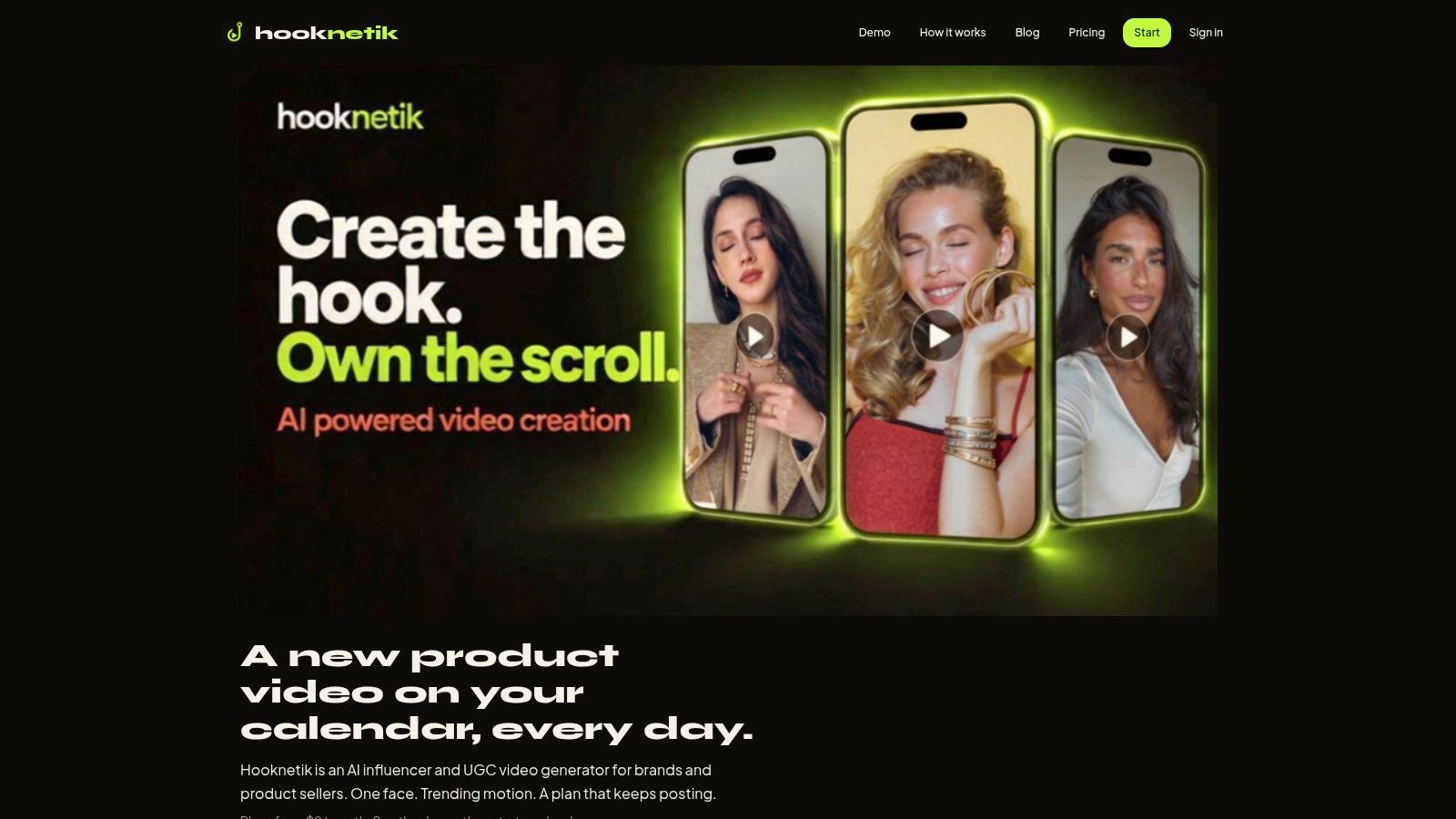
Hooknetik builds short vertical videos around a single digital character you create once. Describe the influencer in writing or upload a photo you own, pick a niche such as jewelry, beauty or fitness, then change outfits and hairstyles between videos while the face stays the same. That is what separates a content calendar from thirty unrelated clips.
The workflow runs in three steps: create the influencer, add a product photo or skip it, then apply motion from a trending clip or your own reference footage. Uploaded clips can run up to 30 seconds, though only the first 15 seconds are used. The influencer copies the motion of the reference clip, and the original sound stays in the video. Output is 9:16 at 720p, with captions, and downloads without watermarks.
What it costs and how the calendar works
Creating the influencer is free. One paid credit makes one video, and a single test video costs $5.99, covering one influencer, one video and one product. Plans start at $9 per month for 3 video credits, with the Starter plan also available at $99 per year and the Creator plan at $999 per year. As of 4 November 2026, credit top-ups run $5.99 for one or $15 for three. Payment is taken when the video generates, and a failed generation returns the credit automatically. A video can be remade once from the calendar, though the remake spends another credit. With a plan, the calendar fills itself at one video a day, and you can swap templates or products, edit captions, or pause between posts. You don't need a plan to test the workflow: a one-off video uses one credit and appears at the bottom of the Create page when it's ready.
Where it falls short
720p is fine for TikTok and Reels, thin for anything that needs to pass as a commercial shoot. Videos download for manual posting because automatic publishing is still pending platform approval. The terms also bar presenting generated clips as real footage of real events or real people, so the format suits branded content rather than anything passed off as documentary. And no trending template guarantees reach: the motion library draws on high-engagement TikTok, TikTok Shop and Reddit clips, but engagement on the source clip says nothing about your finished video.
Judge a recurring-character tool on clip thirty, not clip one. If the face drifts after ten generations, the calendar is worthless.
Quality control belongs in the workflow, not in a gut feeling. The VQualA 2025 GenAI-Bench challenge scores generated video across aesthetic quality, image quality, temporal quality and text-to-video alignment, using 5,000 videos from five models, as described in the IEEE Computer Society proceedings. Build the same rubric internally: score identity, motion continuity, product visibility and caption alignment per clip, and regenerate anything that fails.
Pros: a retained face across videos, product-photo insertion, a $5.99 one-off test, calendar planning with editable captions, credits refunded on failed generations.
Cons: 720p ceiling, manual posting only, uploaded reference footage trimmed to the first 15 seconds.
Visit Hooknetik at hooknetik.com.
2. Runway
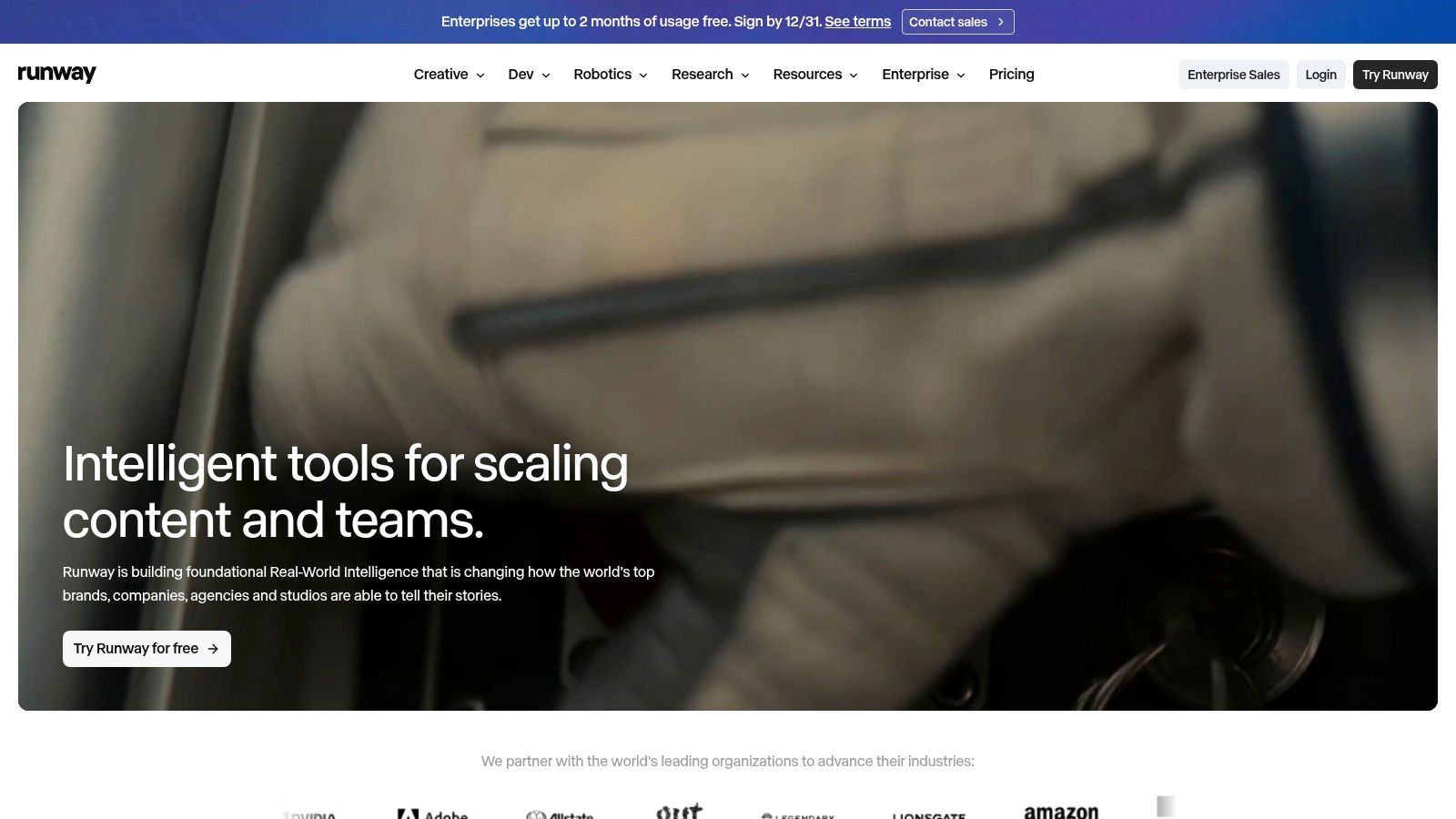
Runway is the tool I'd hand to someone who wants to chase a look, not fill a calendar. It generates video from text or a reference image, then keeps editing, upscaling and project storage in the same workspace, alongside audio generation for music, voices and effects.
Runway earns its place on a shortlist for one reason: range. Prompt a scene, extend it, rework a shot, and keep every version in one project instead of exporting between apps.
Where it earns its fee: paid plans include watermark-free exports at higher quality, and the free tier lets you test selected tools before paying.
Where it gets expensive to learn: credit use varies by model and by generation, so you can't estimate output volume from the tier price. Run a paid test with your own footage before committing a month of production.
Who it suits: a brand or studio making a handful of styled scenes, with someone in-house who enjoys directing a model.
Who it doesn't: a seller who needs thirty product videos with one face. Runway's strength is variety, and variety works against a consistent character.
3. Adobe Firefly
Firefly makes sense for one reader in particular: the team already paying for Creative Cloud. Generation sits beside image, audio and multitrack editing tools, so a generated shot moves into a project without a round trip through downloads.
Adobe Firefly also pulls selected third-party models into the same workspace, which helps when one prompt needs a different look than the default model delivers.
The practical limit is credits. Paid plans carry a monthly generative allowance, and video consumes it far faster than image work. If you publish daily vertical content, calculate credit spend per finished clip before you commit.
Good fit: agencies and in-house teams where generated footage is one ingredient in a bigger edit.
Poor fit: anyone who needs a scripted avatar or a repeatable product-ad formula. Firefly generates footage; it doesn't run a publishing schedule.
Trade-off to accept: Adobe's licensing posture comes with the outputs, but model behaviour stays fairly generic. Expect to direct it hard to hold a specific face or product detail.
4. Luma
Luma's Dream Machine is where I'd send a director who wants a mood, a camera move and a three-second reveal. It generates from text prompts or reference images, then lets you edit, extend, upscale or reframe a clip in the same environment, with access to Luma and third-party models.
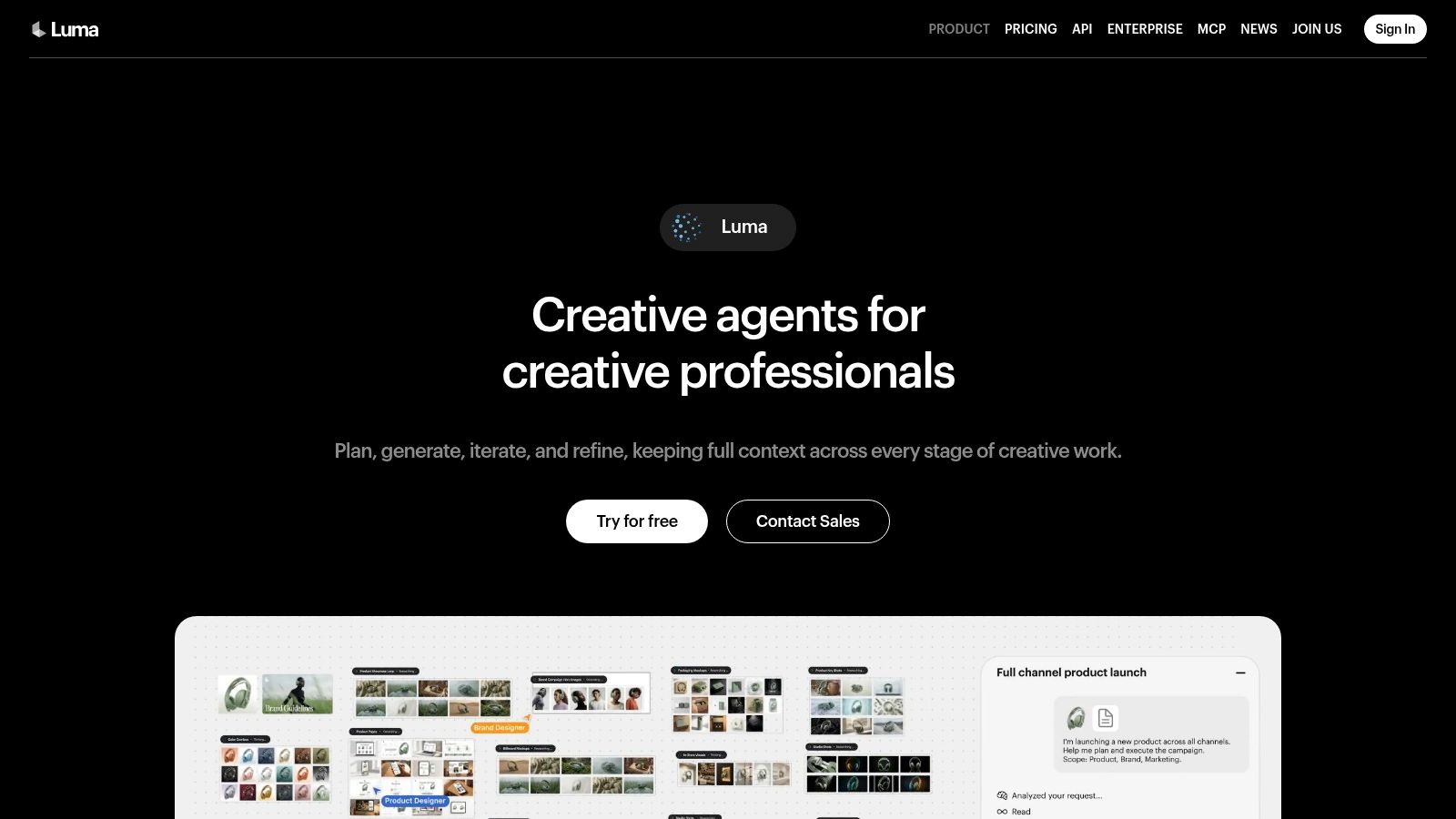
That editing loop is the core value. Generating a shot is easy. Keeping it usable after you change your mind is the harder half of production, and extending or reframing without leaving the tool saves time you'd otherwise spend in an editor.
The catch is cost predictability. Credit costs differ considerably by model and settings, so two people can spend very different amounts for the same minute of finished video. Generate ten clips, count how many you'd post, and work out your cost per usable clip from that number.
Where it doesn't fit: recurring social calendars and product-ad workflows. Nothing in the interface assumes one face will show up in next week's post, and there's no calendar to plan against.
Who it suits: visual storytelling, brand films, moodboards, and the experimental work that feeds a larger campaign.
5. Pika
Pika is the fast effect shop in this list. It generates from text or images, adds or swaps elements, and pushes visual gags that read well in short-form. For a transformation shot or a launch loop, it gets to a usable idea quickly.
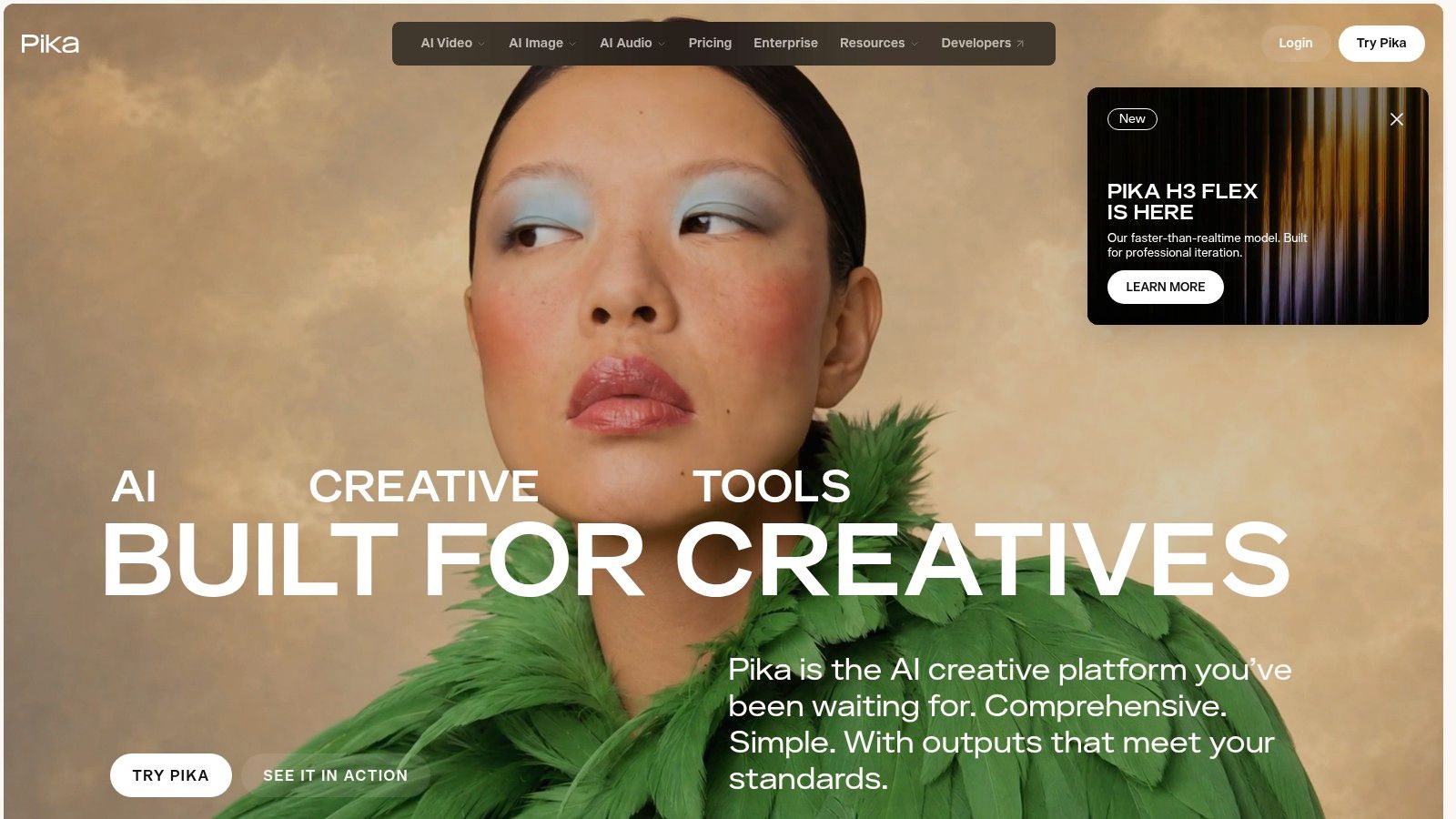
What works: effects a general model will not give you, no-watermark exports on paid plans, and credit packs for a burst of generation without moving tier.
What limits it: clip length and resolution change by model, and credit consumption shifts with feature and resolution. Price a concept by running the exact variation you plan to post, not by the pack size. There is no planning layer, so the output is a clip you still have to schedule and post somewhere else.
Character consistency is a measurement job. Test the face frame by frame inside one clip, then across successive outputs, before building a month of posts on it. If the job is pushing a trend through a recurring character, the workflow in this guide to viral motion templates for AI influencer product videos is closer to what Pika leaves out.
Buy it if you want expressive one-off clips. Skip it if the same face must survive thirty posts.
6. Google Veo
Veo is a model, not a product. You reach it through Google's creative tools or developer access, so the experience and the bill depend on the route you take. Google describes Veo 3.1 as supporting video with audio, and prompt adherence is why it keeps appearing on shortlists.
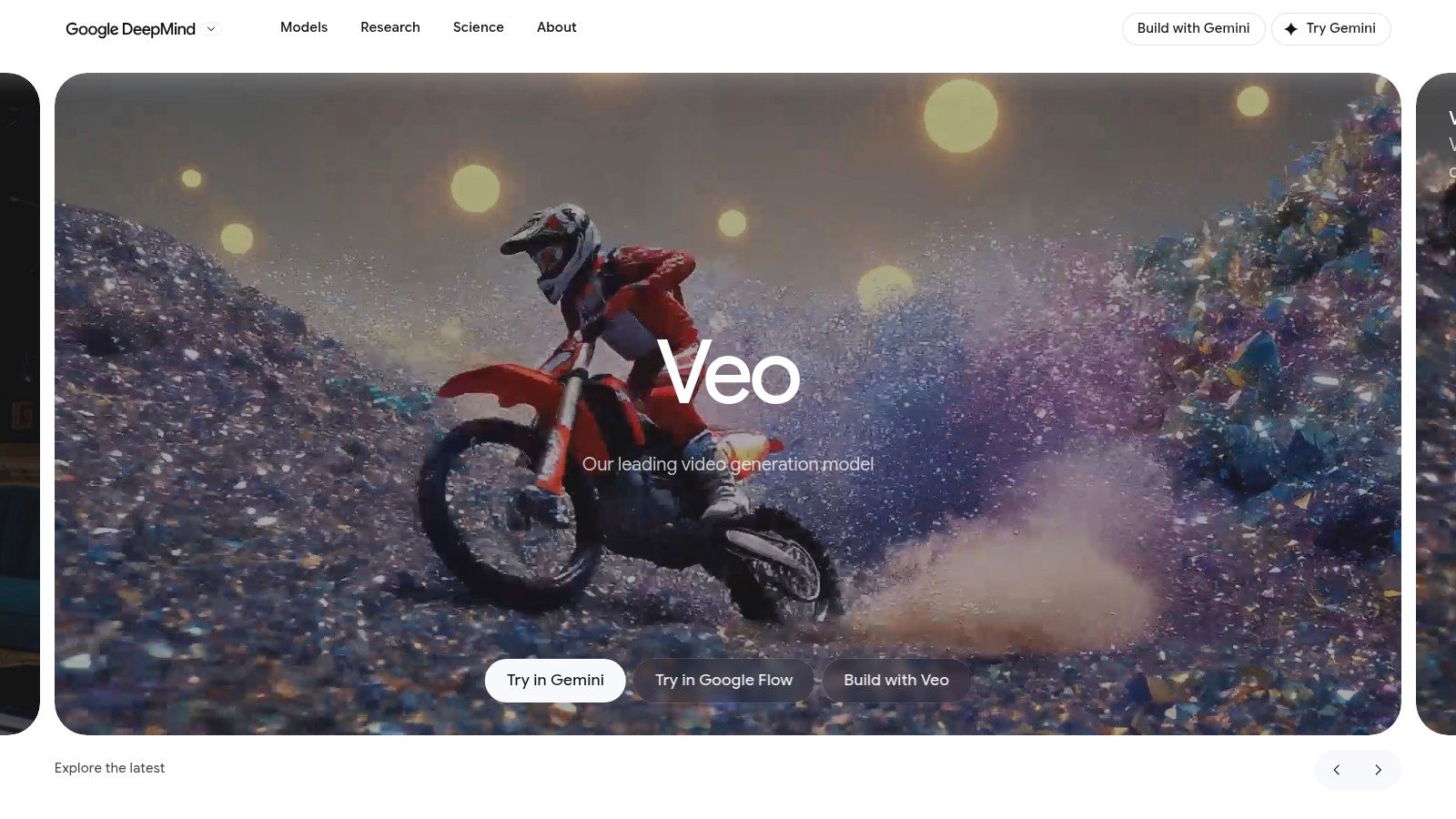
Strength: original scenes with sound, generated from a prompt or an input image, with enough control to hit a described shot.
Weakness: the workflow around it. There's no product-ad calendar, no persistent influencer, no caption pipeline. You generate footage, then edit it into something brand-specific somewhere else.
Practical rule: a model is not a workflow. The moment you need the same face in next Tuesday's post, you're solving a different problem than the one a generator solves.
Price it where you'll use it rather than from a comparison table, because access routes differ. And plan a second pass in an editor. Brand-specific product detail usually needs fixing after generation, especially logos, labels and small hardware.
7. HeyGen
HeyGen turns a script into a person speaking it. You pick a stock avatar or build a custom one, choose a voice, and export a presenter video for marketing, training or internal communications. Translation and localization across many languages and dialects separates it from generic generators.
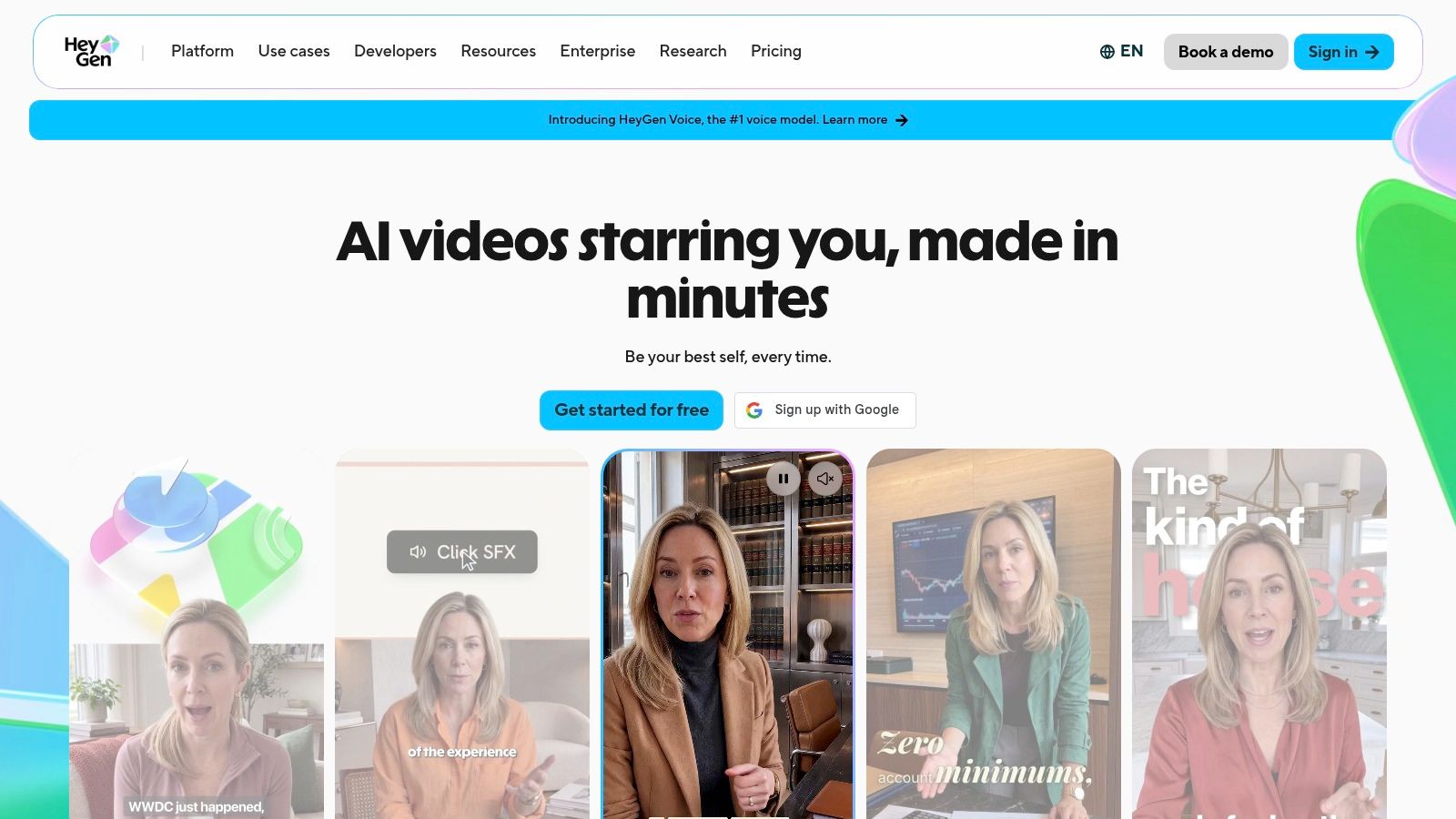
That localization layer matters more than most reviews admit. Wistia's 2025 State of Video Report, which analyzed more than 14 million videos and surveyed 1,300 professionals, found voice dubbing used by 38% and translation by 31%, with caption adoption up 572% since 2021, per the PR Newswire release. If your roadmap includes multiple languages, a tool with dubbing built in removes a vendor.
Good fit: scripted, presenter-led content where the same message ships in several markets.
Watch: credit usage varies by model and generation, and presenter video looks like presenter video. It won't pass as spontaneous product footage.
For the UGC side of the same campaign, see how a dedicated AI UGC video generator handles product-led clips.
8. Synthesia
Synthesia is the most corporate tool on this list, and that's the point. It's built around avatars reading scripts for training, explainers and business communications, with multi-language support and dubbing workflows. Teams producing forty structured videos a quarter, not forty creative ones, get real value here.
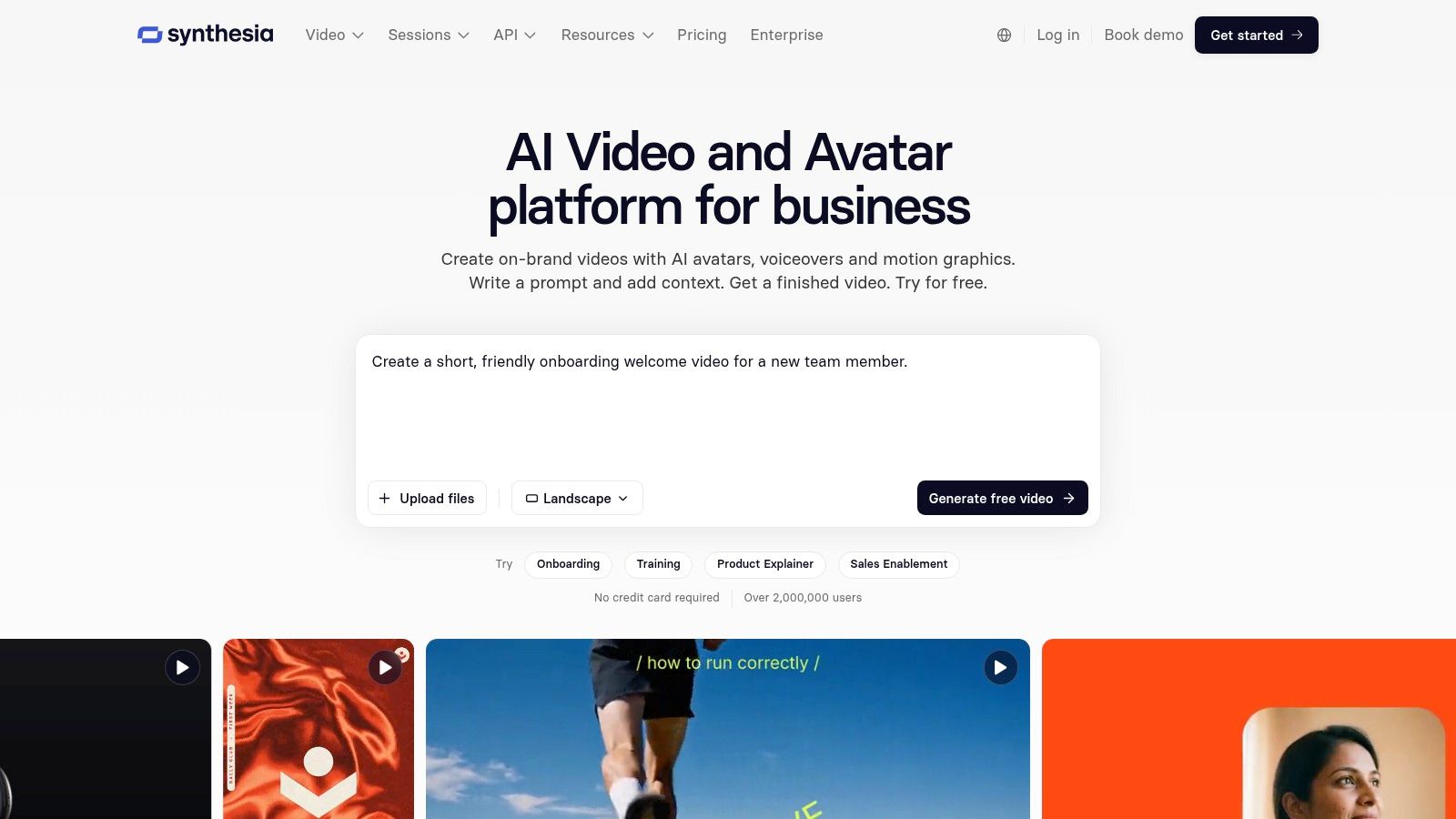
What works: repeatable structure. A new hire or a product manager can produce a compliant, on-brand explainer without touching a timeline. Paid plans add downloads and remove branding.
What doesn't: the style. Avatar presentation reads as corporate, so it suits onboarding better than a beauty brand's Reels feed.
Two operational notes. Credits are shared across usage-based features, so output depends on how you spend them. And when a video functions as an endorsement, disclosure isn't optional. The FTC's guidance on influencer disclosures covers creators with a material connection to the advertiser, including payment or a business relationship, and it binds both the marketer and the endorser.
9. InVideo AI
InVideo AI drafts a video from a prompt and hands you a timeline. Script, stock footage, voiceover and text overlays arrive assembled, and you fix what's wrong in an editor rather than starting from raw generations.
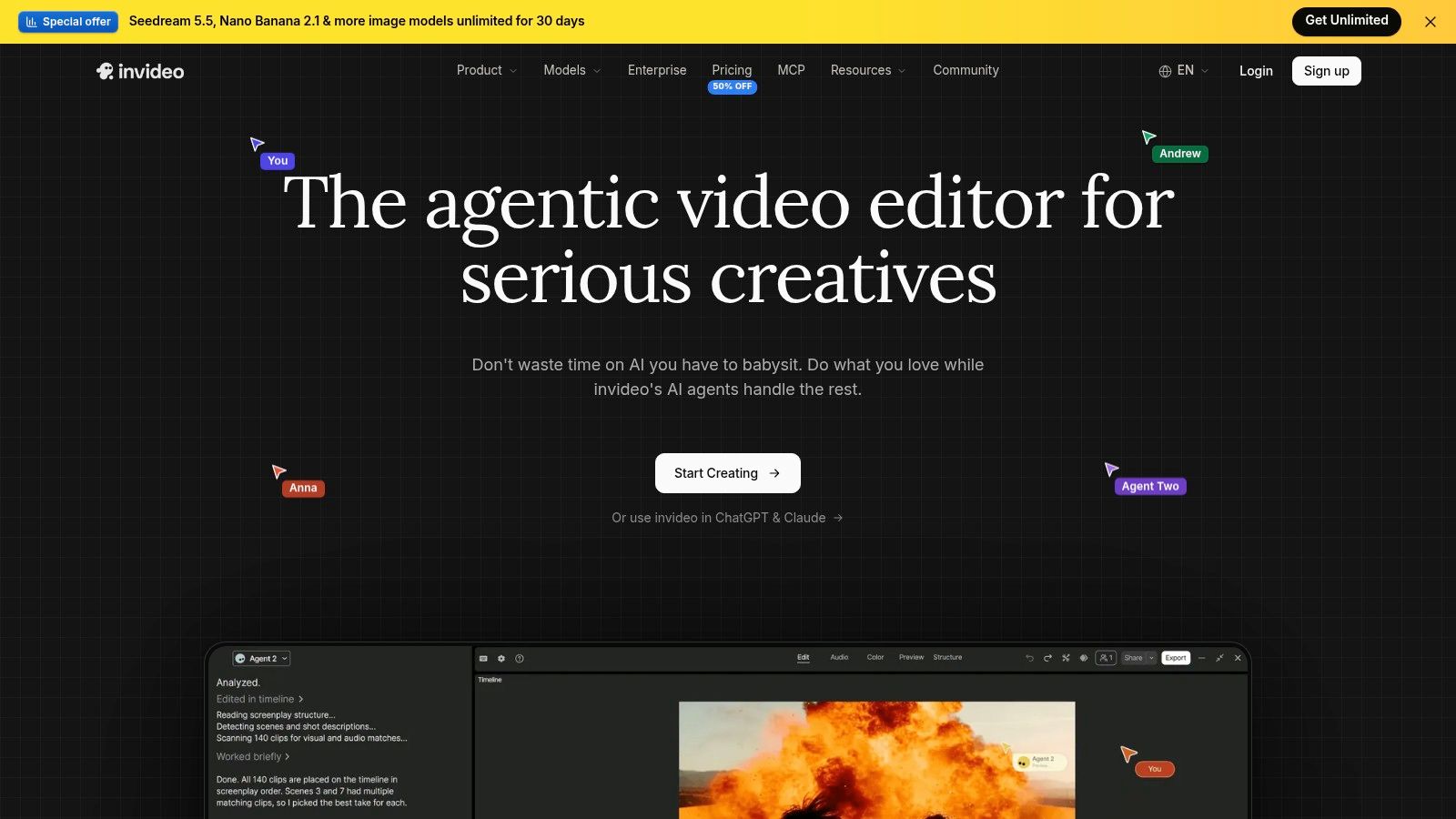
The appeal: one place for generation and editing, plus stock access and broader model access on higher tiers, which trims the number of subscriptions a small team juggles.
The catch: credits don't roll over, according to its pricing information, so unused allowance is money gone. Model access and model costs also vary by plan, which makes tier comparison harder than the headline price suggests.
Distribution is the other half of the job. Meta has expanded AI-content labeling across video, audio and images since May 2024, applying an "AI Info" label when it detects industry-standard AI indicators or when a user discloses AI-generated content, and it may require a label for photorealistic video or realistic-sounding audio (Meta's AI labeling help page). Assume the platform will label your video whether or not you do, then plan the caption and creative around that.
Who it suits: teams making social explainers and repurposed marketing videos on a fixed cadence.
10. Creatify
Creatify is built for performance marketing. Feed it a product URL or an image and it produces UGC-style ad concepts with AI actors, then lets you generate variations for testing. For an ecommerce seller who needs ten hooks by Friday, that's a faster starting point than a blank timeline.
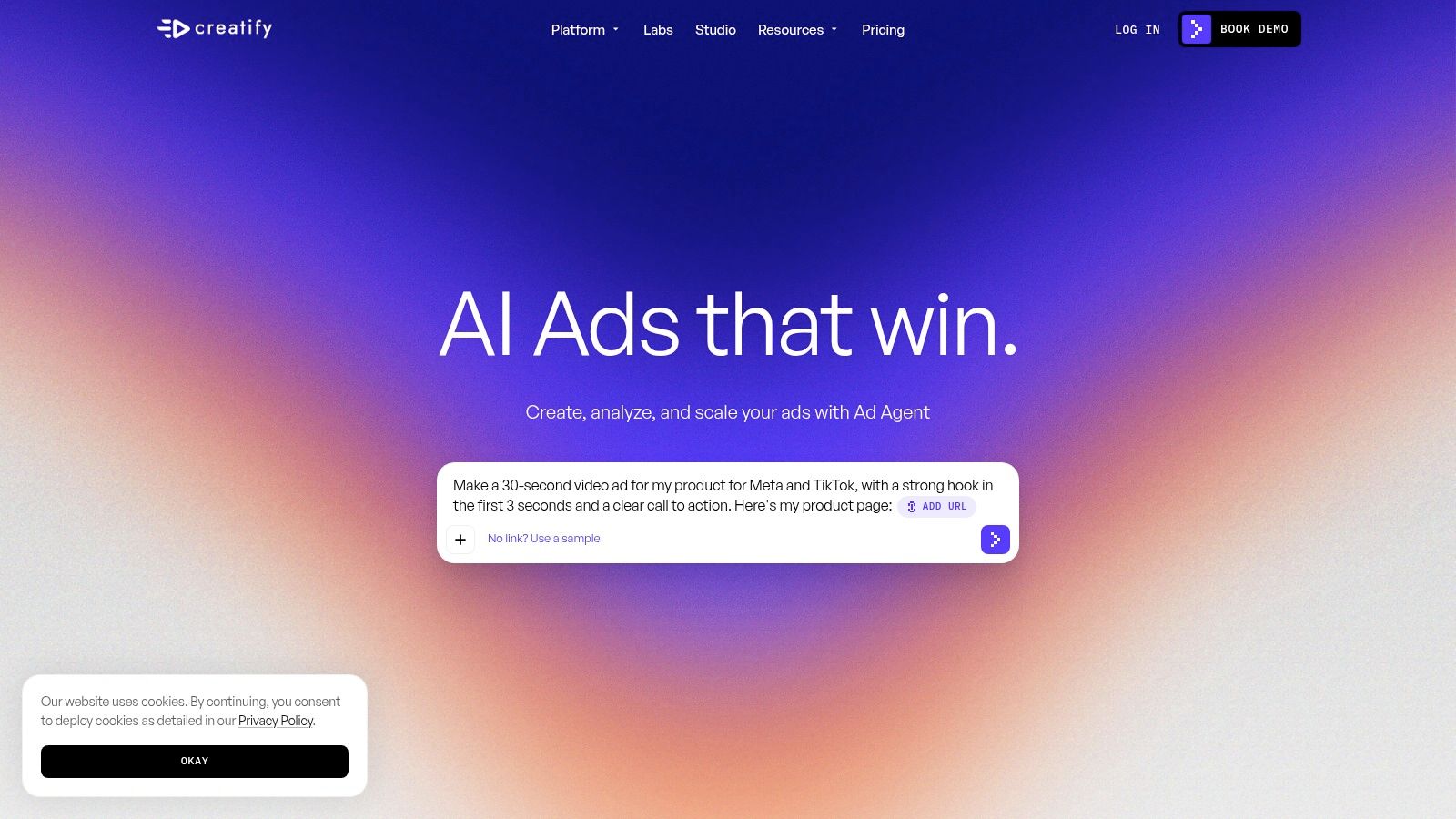
Strength: product-first workflows and multiple variations, which is how paid social gets optimized.
Weakness: AI actor content rarely matches the messiness of a real creator shoot, so it tests offers better than it builds a personality audiences return to. Credit use depends on generation type and settings, so check plan limits before estimating cost per finished ad.
For the trade-off between an AI actor and a persistent character, this Hooknetik vs Arcads breakdown covers it directly.
Disclosure is the overlooked cost. In a 2025 Ipsos survey of 23,216 adults across 30 countries, 79% said companies using AI should disclose that use (Ipsos AI Monitor 2025). The FTC advises putting disclosure in both the audio and visual portions where practical, and warns that TikTok descriptions are often small, crowded and easy to overlook, so a caption line alone isn't enough (FTC influencer guide).
How the 10 AI video tools compare on method, consistency, price, and best use
Method and consistency split this list into three groups: scene generators, avatar presenters, and UGC ad tools. Judge each row inside its own group.
| Item | Generation Method | Character Consistency | Pricing model | Best For |
|---|---|---|---|---|
| Hooknetik (recommended) | Create videos from a digital character, product image, and motion reference | Persistent character keeps one face across videos while outfits and hairstyles change | $5.99 for a one-off video, or plans from $9 per month | Consistent AI influencer and UGC product videos |
| Runway | Text-to-video and image-to-video with editing tools | No persistent character system; continuity depends on reused references and prompt discipline | Free tier plus paid subscription plans | Flexible creative production and experimentation |
| Adobe Firefly | Prompt-based video generation with image, audio, and editing tools | Scene-level generation; a steady face across videos relies on reused assets and prompts | Paid subscription plans, with the tier setting usage | Adobe users building broader creative workflows |
| Luma | Text- or image-to-video with clip editing and extensions | Strong single-clip motion; recurring characters take repeated reference images | Credit-based; credits are spent per generation | Visual storytelling and cinematic-style clips |
| Pika | Text- or image-to-video with effects and transformations | Better suited to individual clips than consistent characters | Credit-based; generation cost varies with clip settings | Playful short-form clips and visual effects |
| Google Veo | Prompt- or image-based video generation, with audio support described for Veo 3.1 | Consistent within a generated scene, with no persistent character across separate videos | No single entry price; the access route sets the cost | Original prompt-led scenes |
| HeyGen | Scripted videos using stock or custom avatars and voice options | Stock or custom avatars support repeatable presenters | Free plan plus paid subscriptions | Presenter-led videos and multilingual localization |
| Synthesia | Script-based videos with AI presenters and voiceovers | Consistent avatar-led presentations | Free plan plus paid subscriptions | Training, explainers, and business communications |
| InVideo AI | AI-assisted video creation with editing and stock footage | Assembles stock and generated footage, so visual consistency follows the assets you pick | Free plan with limited usage, then paid plans | Creating and editing videos in one workflow |
| Creatify | Product URL or image to UGC-style ad concepts with AI actors | Custom characters can support repeatable concepts | Credit-based; credit use varies by generation type | Ecommerce product ads and creative variations |
Read the best-use column before the price column. A cheap subscription that cannot hold a character across thirty posts costs more per usable clip than a pricier tool that can.
Matching the Right AI Video Tool to Your Production Workflow
Start with the job, not the feature list. A brand that needs the same face across thirty product posts is solving an identity and scheduling problem. A studio building one hero scene is solving a craft problem. The same shortlist shouldn't serve both.
If the work is recurring, weight character consistency and calendar planning above everything else. Ask three questions before paying: does the character survive outfit and hairstyle changes, can you swap one day's product without regenerating the plan, and what happens to your credit when a generation fails.
If the work is a single cinematic scene, flip the priorities. Model choice, prompt adherence and editing headroom matter more than any calendar. Generation-first tools win there, and the extra complexity is the price of control.
If the video is a scripted presenter message, avatar tools fit better than any generator. Localization pushes you further in that direction, because shipping one script in six languages is a workflow problem rather than a generation problem.
Test with your own material
Run every shortlisted tool on the exact product, reference clip and length you plan to use. A model that handles a wide shot beautifully can fall apart on a 9:16 close-up of a ring.
Then calculate cost per finished video, not cost per credit. Generate ten clips, count how many you'd publish, and divide the spend by that number. Credit-based pricing hides its real price until you do this arithmetic.
The market context explains why the discipline pays. The global creator-economy advertising segment was valued at $90.9 billion in 2025, according to Grand View Research, and that spend follows whoever can produce credible short-form video on a schedule.
The cheapest tool is the one whose output you post. A generous credit allowance means nothing if character drift forces you to regenerate half your calendar.
Keep one more control in place. Score each clip for identity, motion, product fidelity and caption accuracy before it enters the schedule, and keep a human review step. Automated checks catch obvious failures; a person catches the clip that looks fine and sells the wrong thing.
Frequently Asked Questions
What is the best AI video tool for a consistent on-screen character
The one that gives you a persistent character rather than a fresh actor per clip. Test it by generating several videos in a row with different outfits and checking whether the face still reads as the same person, then judge motion and product fidelity separately.
Do AI video tools replace a real creator shoot
For volume product content, often yes. For a campaign where a real person's credibility carries the message, no. AI actors work best on testing hooks and offers, while a persistent digital character works for personality-led series that audiences follow.
Do I have to disclose AI-generated video
When the content functions as an endorsement, yes. Advertisers and endorsers both carry obligations, and a disclosure buried in a caption may not be clear and conspicuous. Put it inside the video in text, audio, or both, and keep platform AI labels in mind as a second layer.
How do I compare cost across credit-based tools
Ignore the credit price and measure cost per publishable video. Generate a batch on the plan you'd buy, count usable clips, and divide. Then add the time cost of edits, captions and manual posting, which usually exceeds the credit difference between tiers.
Can I post AI video to TikTok and Instagram without a watermark
Paid tiers on most tools export clean files, and a few platforms market watermark-free downloads on every plan. Check the export before you plan a month of content, and keep the caption file separate so you can edit product names and disclosures per platform.
Hooknetik builds every video around one digital character, created from a written description or a photo you own, with your product placed in the scene and motion transferred from a trending clip or your own reference footage. Clips download in 9:16 without watermarks, captions come with them, and a monthly plan fills your calendar with one video a day while failed generations return the credit automatically. Visit Hooknetik to make a single test video before you commit to a schedule.
Produced via the Outrank app
Create your influencer, then fill the calendar.
Free to create the face. Pay when you generate videos. Start from the product demo if you want screens first.
Create your influencer free, then pick a plan from $9/month. One video a day on your calendar.